FAQ

Frequently Asked Questions

Advance Email Features

RoyalSonic advanced email & groupware features include:

  • Email hosting — IMAP, POP3, and SMTP with your domain
  • Webmail — modern browser mail client
  • Webmail Enterprise — smart inbox tabs, density layouts, hover actions, reading pane, nudge reminders, smart compose, auto-unsubscribe, offline mode, security banners, confidential send, delegate tokens, keyboard shortcuts, contact preview cards, undo toasts, and eDiscovery / DLP tools
  • Contacts & Groups / Lists
  • Calendar with shared calendars and booking
  • Tasks, Reminders, and Notes
  • Whiteboard for collaborative boards
  • RoyalSonic Matrix — Chat, Messaging (Talk), Voice, Video, and Meet
  • Cloud Storage, Files (WebDAV), and Shared Space
  • Docs / Office — Writer, Calc, and Impress
  • Vault for secure storage
  • IMAP Import — pull mail from Zoho, Gmail, Outlook, Yahoo, iCloud, or any IMAP server into RoyalSonic Imported
  • POP Retrieval — pull mail from remote POP3 accounts into RoyalSonic Imported
  • Signatures, templates, filters, vacation / auto-responders
  • Aliases, DNS helpers, and quota management
  • Security & blocklist controls
  • Branding — organization logo in webmail
  • CalDAV & CardDAV sync for calendar and contacts
  • Backup & restore (on Suite plans)
  • Helpdesk, Sign, Analytics, Vault (on Suite plans)
  • DesktopFlow and GamingFlow (specialty plans)

All the business email accounts you set up share the same email space, which includes files, documents, and all associated data.

You can choose to purchase an extra package with either 5GB or 10GB of add-ons.

We gladly accept Visa and MasterCard credit cards through PayPal.

You can import your emails via webmail Import. If you still need our service we provide an email migration service at $5 per email account. If you’re interested in this service, please submit a ticket, and we’ll be happy to send you a customized invoice.

Mail server username: [email protected]

Outgoing mail server (requires authentication): mail.royalsonic.com

Incoming mail server: mail.royalsonic.com

Supported outgoing mail protocols: SMTP

Supported incoming mail protocols: POP3, IMAP

Secure SSL/TLS Ports: POP3: 995  IMAP : 993 SMTP: 465, 587

You can import messages from Zoho, Gmail, Outlook, Yahoo, iCloud, or any IMAP server into your RoyalSonic Imported folder.

  1. Open WebmailMail settingsIMAP Import.
  2. Choose a provider shortcut (Gmail, Zoho Mail, Outlook / Office 365, Yahoo, iCloud, or RoyalSonic), or enter settings manually.
  3. Enter the external account Username (full email address) and Password (use an app password if the provider requires it).
  4. Select what to import: Messages (and optionally Contacts / Calendar when available).
  5. Confirm Server (for example imap.zoho.com, imap.gmail.com), Port 993, and enable Use SSL.
  6. Click Import. RoyalSonic connects over IMAP and copies mail into your RoyalSonic Imported folder (all folders are imported when available; duplicates are skipped).

IMAP Import in RoyalSonic Mail settings

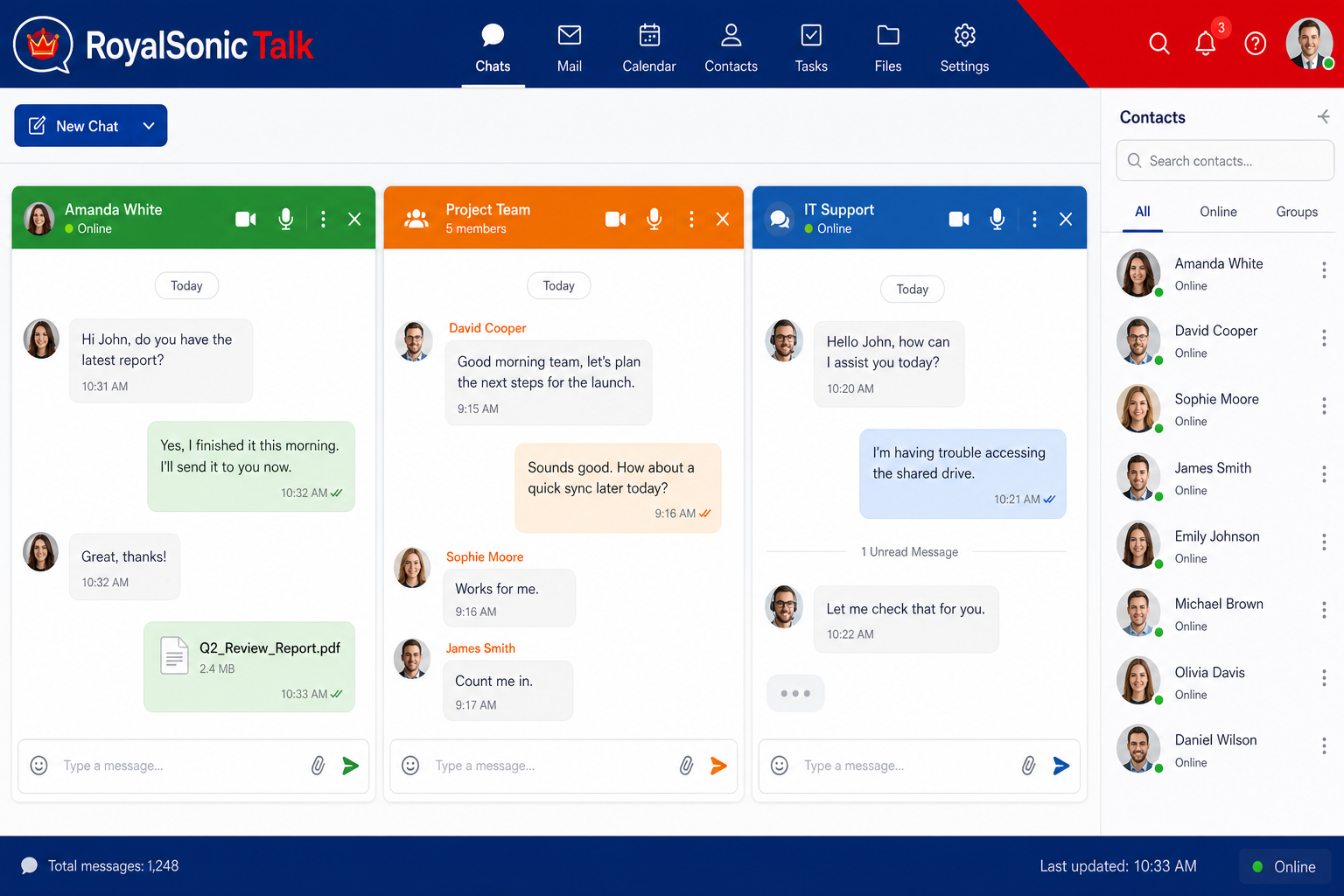
How to chat with other users.


POP Retrieval pulls messages from remote POP3 systems into your RoyalSonic Imported folder.

  1. Open WebmailMail settingsPOP Retrieval.
  2. Click + Add Account.
  3. Select a provider shortcut (Gmail, Zoho Mail, Outlook, or RoyalSonic) to prefill common server settings, or configure manually.
  4. Enter a Label (for example “Work POP”), the external Username, and password.
  5. Set the POP Server, Port (usually 995 with SSL), and enable SSL when required.
  6. Save the account. RoyalSonic will retrieve new messages from that POP mailbox into RoyalSonic Imported.

POP Retrieval in RoyalSonic Mail settings

Data privacy is our core priority. Mail and suite traffic use TLS in transit, and stored data is protected on our servers. Notes support end-to-end encryption (E2EE), and team chat uses the open Matrix protocol with E2EE. We do not run commercial data trackers or ad-scanning of your mailbox content.

Yes. You can use RoyalSonic with your own domains so your team works in a professional portal. Organization owners can also upload a company logo in webmail/groupware to replace the default RoyalSonic brand mark.

Still Have a Questions?

Please let us know

{"prefetch":[{"source":"document","where":{"and":[{"href_matches":"/*"},{"not":{"href_matches":["/wp-*.php","/wp-admin/*","/rs-assets/wp-content__uploads/*","/rs-assets/wp-content__*","/rs-assets/wp-content__plugins/*","/rs-assets/wp-content__themes/hello-elementor/*","/*\\?(.+)"]}},{"not":{"selector_matches":"a[rel~=\"nofollow\"]"}},{"not":{"selector_matches":".no-prefetch, .no-prefetch a"}}]},"eagerness":"conservative"}]}